

Introduction
Creating an account is usually the first step when accessing an online platform. However, new users sometimes need guidance about registration requirements and account verification. Understanding the process can make the experience easier and help prevent common mistakes.
This guide explains the 588PKR app registration process, important account details, possible verification requirements, and basic security practices. Read the instructions carefully before providing any personal information.
What Is 588PKR Registration?
588PKR registration refers to the process of creating an account on the platform. Registration systems generally require users to provide certain information to establish an account.
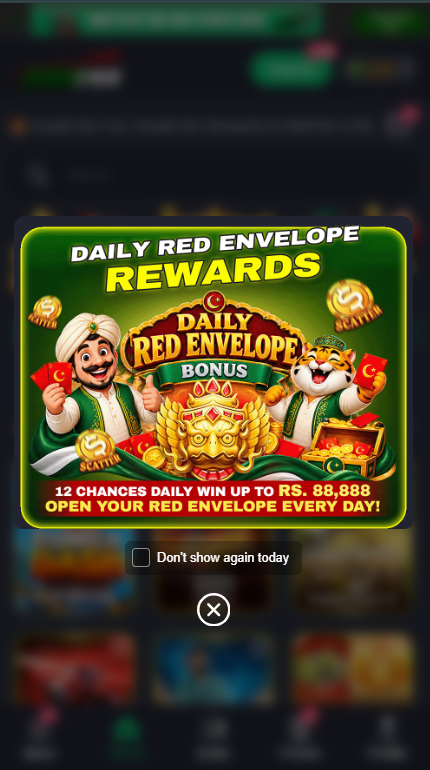
The exact information and verification requirements depend on the platform’s current registration system. Users should always check the official registration page before submitting their details.
Requirements Before Registration
Before starting the registration process, prepare the information that the platform officially requests.
Some common requirements may include:
- A valid mobile number or email address.
- A secure password.
- A compatible smartphone or browser.
- A stable internet connection.
- Verification information, if required.
Never provide unnecessary personal information to an unfamiliar website.
How to Register on 588PKR?
If registration is available, follow the instructions displayed on the verified platform.
Step 1: Visit the Registration Page
Open the verified 588PKR website or application. Find the registration option to begin.
Step 2: Enter Required Information
Complete the registration form using accurate information. Check every field before continuing.
Step 3: Create a Password
Choose a strong password that is difficult to guess. Avoid using your name, birthday, or simple number combinations.
Step 4: Complete Verification
If the platform requests an email or mobile verification code, follow its instructions. Never share verification codes with other people.
Step 5: Review Your Information
Check the details you entered. Make sure there are no spelling mistakes or incorrect contact details.
Step 6: Submit the Registration Form
Submit the form and wait for the platform to display a confirmation message.
How to Protect Your New Account?
Account security should be a priority from the beginning. A few simple practices can help protect your information.
- Create a unique and strong password.
- Do not share your login details.
- Avoid using public devices for account access.
- Never disclose verification codes.
- Use only trusted websites and applications.
- Log out when using shared devices.
Common Registration Problems
New users may sometimes experience difficulties during registration.
Invalid Information: Check the information entered in each field.
Verification Code Not Received: Confirm your contact details and check your network connection.
Registration Page Not Loading: Refresh the page or try another browser.
Account Already Exists: You may already have an account with the same contact information. Check the available account recovery options.
Important Things to Check Before Registering
Before creating an account, review the platform’s terms, privacy policy, eligibility requirements, and applicable local laws.
If the platform involves financial transactions or real-money gaming, understand the associated risks. Never register if you cannot verify the platform’s authenticity or legal status.
Frequently Asked Questions
What is 588PKR Register?
It is the account creation process for users who want to access the 588PKR platform.
What information is required for registration?
Requirements depend on the platform. A mobile number, email address, and password may be requested.
Why is my registration unsuccessful?
Incorrect information, technical problems, or verification issues may prevent registration.
Can I create multiple accounts?
Check the platform’s current account rules before attempting to create another account.
How can I secure my new account?
Use a strong password and never share your login details or verification codes.